Android App
Reel Downloader
Reel Downloader App for Android
Save Instagram Reels, videos, posts, and carousels straight to your phone in full quality. Copy a link, open the app, and tap download — no login, no clutter, no cloud.
What it does
Everything the Reel Downloader app saves
Full-quality Reels & videos
Download Instagram Reels and videos at their original resolution, saved straight to your phone.
Posts & carousels to your gallery
Save single photos and multi-image carousel posts directly to your device gallery, one file per image.
Built-in downloads library
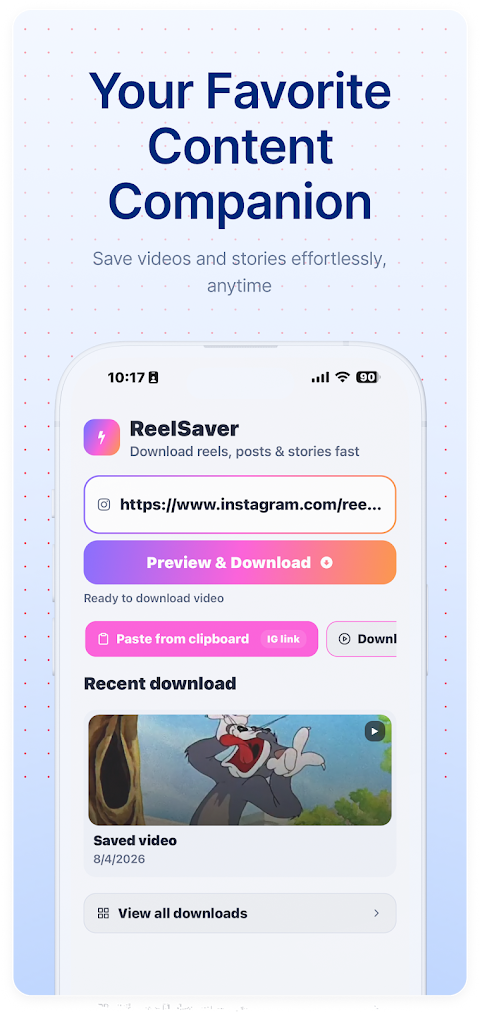
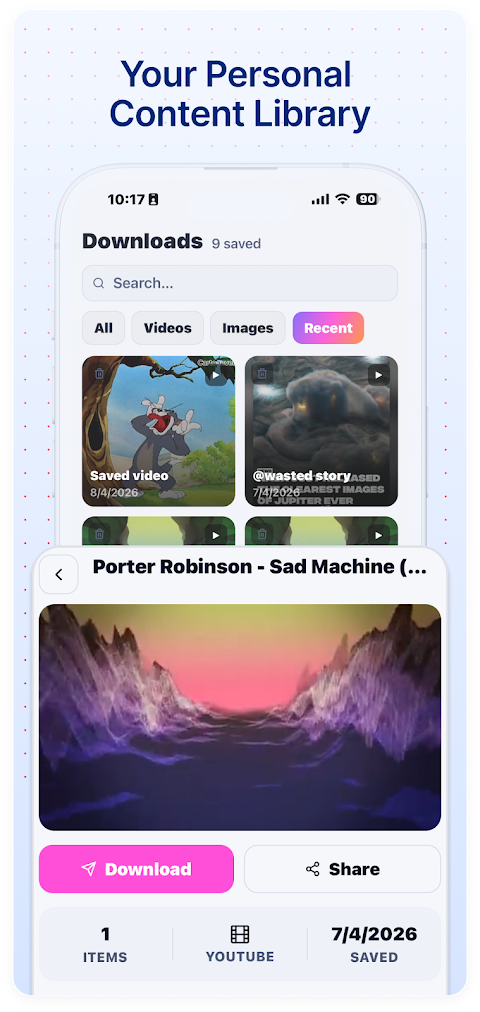
Every file you save lands in an in-app library — organized and ready for offline viewing anytime.
Preview before you save
Check the video or image inside the app before downloading, so you keep only what you actually want.
Dark & light mode
A clean interface that follows your system theme, easy on the eyes whether it is day or night.
No login, fully offline
No account, no sign-in, no cloud upload. Links are detected automatically and files stay on your device.
A look inside
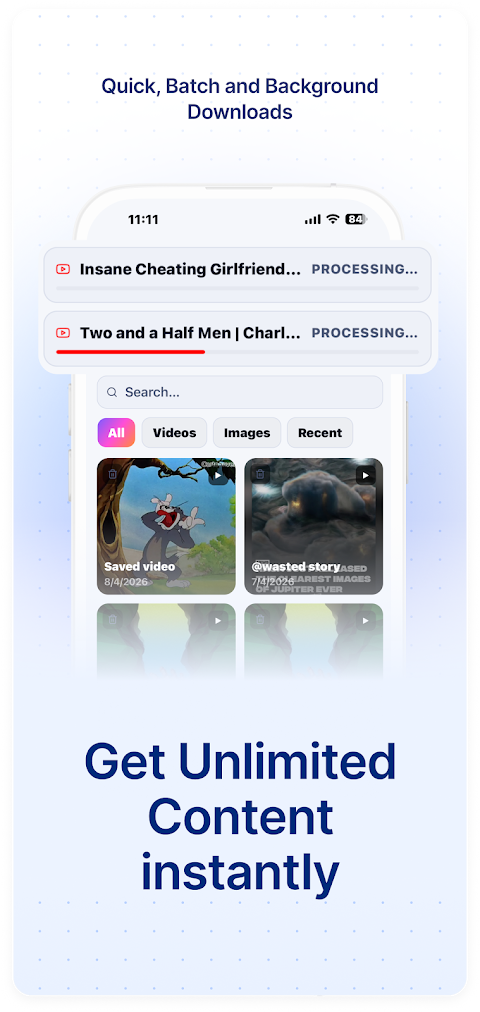
Reel Downloader app screenshots
How to use
Download a Reel in three taps
Copy a Reel or post link
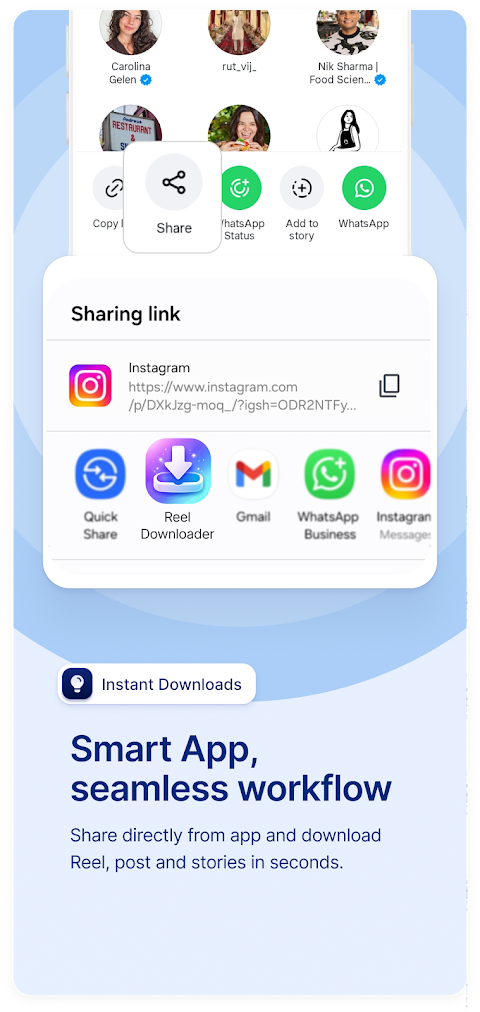
In Instagram, tap Share on any Reel, post, or photo and choose Copy Link.
Open Reel Downloader
Launch the app — it detects the copied link automatically, so there is nothing to paste.
Tap download
Preview the media, then tap Download. The file saves to your in-app library and device storage.
Why install the app
Built for fast, offline saving
- One-tap saving with automatic link detection — no pasting URLs.
- An offline downloads library to browse and manage everything you have saved.
- Always a tap away on your home screen, no browser needed.
Prefer not to install anything? The ReelSaver.fun web downloader works in any browser on phone or desktop.
App information
- Price
- Free
- Category
- Productivity
- Latest version
- 1.0.0
- Updated
- May 6, 2026
- Requires
- Android 7.0 and up
- Content rating
- Everyone
- Offered by
- NGRID TECHNOLOGIES
FAQ
Reel Downloader app questions
- Is the Reel Downloader app free?
- Yes. Reel Downloader is free to download from the Google Play Store and free to use.
- Do I need an account to use it?
- No. There is no sign-up or login. The app works without an account and keeps your downloads on your device.
- Which Android version do I need?
- Reel Downloader runs on Android 7.0 and up.
- Where are my downloads saved?
- Files are stored locally in the app's downloads library and your device storage. Nothing is uploaded to the cloud.
- Can I download photos and carousels too?
- Yes. Alongside Reels and videos, you can save single photos and multi-image carousel posts to your gallery.
- Is there an iPhone version?
- Reel Downloader is currently available for Android. On iPhone or desktop, you can use the ReelSaver.fun web downloader in any browser.
Get Reel Downloader free on Google Play
Save Reels, videos, posts, and carousels to your Android phone in full quality — no login, no cloud, just one tap.
Get it onGoogle Play